01 · Configure
Customers design it themselves.
Configurable products in 2D, 3D or AR, online, in the showroom and with dealers. Rules decide which options fit together.
Glass Inside: pivot, hinged and sliding doors in 3D
HomepageIdeas to review
For Doh and Leon. Leon liked how gleap.ai shows its product at work instead of describing it, and that they measured their pages with Lighthouse. These six concepts take that idea in our own styles, components and words: nothing of Gleap's design, text or branding is used. Pick what should go into the homepage after the V4 launch.
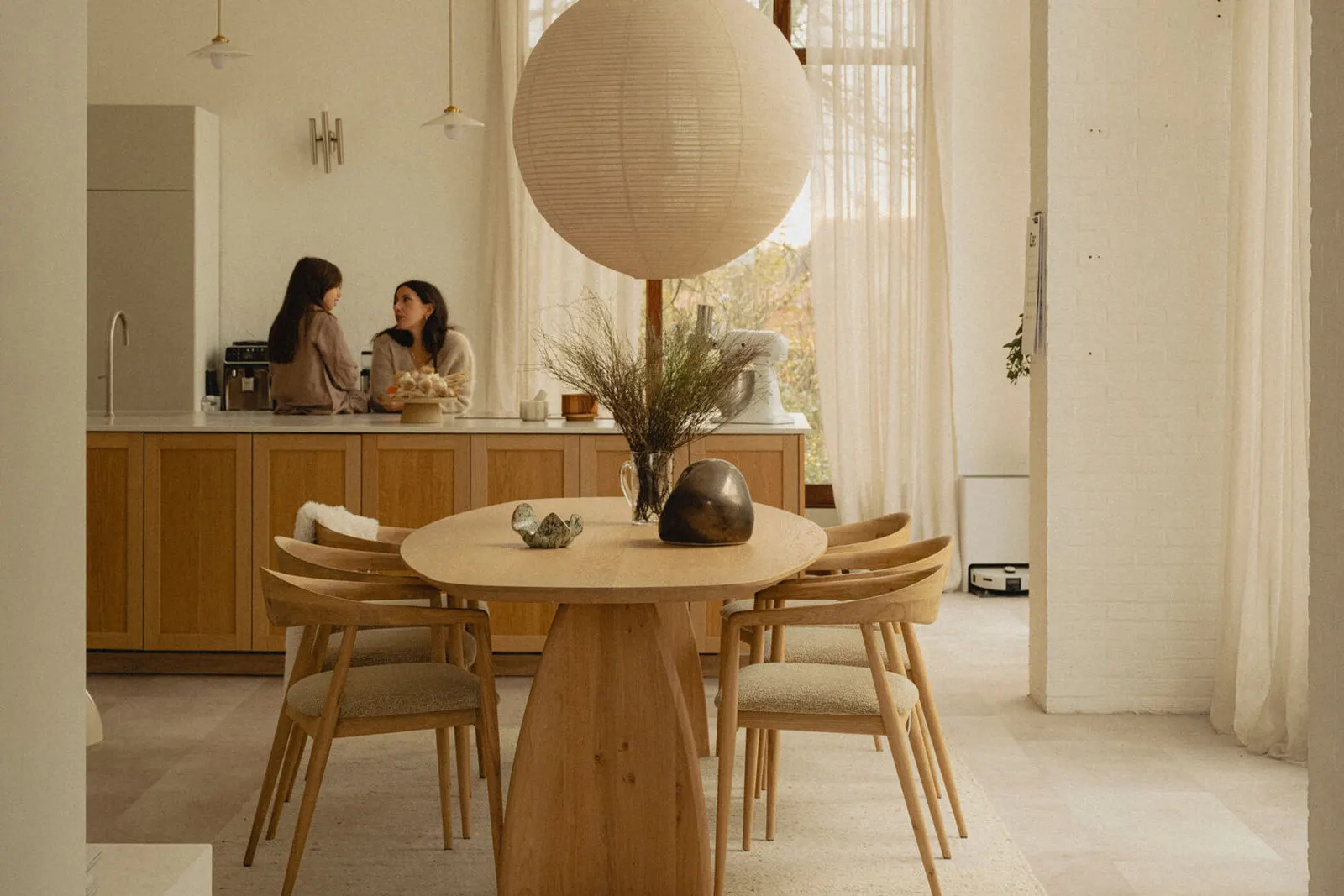
A hero that plays the oneCORE flow as a product screen. Instead of a photo, the hero shows one real Table du Sud table going from the first choice to an order: Configure, Price, Quote, Order. It plays by itself, pauses on hover, and each step can be clicked.
Options and the base price are Table du Sud's own (their shop data, 21 Oct 2026); the tabletop price is the example price list from Try a configurator, so the total is labelled as an example. The quote by email and the order ready for production are in their live shop and their story. The current draft's hero plays three customers' options; this one goes further, to the quote and the order.
oneCORE · the engine for configurable commerce
Watch a Table du Sud table being configured, priced, quoted and ordered. On oneCORE, every step runs on the maker's own products, rules and prices, so nobody types an order over.
 Dining table · made to measure
Price, recalculated with every choice
| Tabletop · oak, roundØ 140 cm | € 2,045 |
| Oak colourWalnut | € 0 |
| BaseCelso · Table du Sud's own surcharge | + € 550 |
| Rule checkCelso fits Ø 140 (not offered from Ø 170) | ✓ |
| Example total | € 2,595 |
Quote| Dining table, oakRound · Ø 140 cm · Walnut · base Celso | € 2,595 |
| Total | € 2,595 |
✓ SentThe customer gets the design and quote by email
Order placed
"How oneCORE works" as four step cards, each with a small product screen built in markup (no screenshots to keep up to date). It answers "what does it do?" in one look, right under the hero.
Texts from the Platform, Shopify, Quote automation and ERP & PIM pages. Each card names the customer that proves it.
How oneCORE works
Your products, rules and prices live in one place. Your webshop, dealers, sales team and showroom all configure, price, quote and order from it.
01 · Configure
Configurable products in 2D, 3D or AR, online, in the showroom and with dealers. Rules decide which options fit together.
Glass Inside: pivot, hinged and sliding doors in 3D02 · Price
Every option and measurement is priced by your own rules, from a price list, your ERP or oneCORE itself.
Bogard: prices from its own price list (the WooCommerce demo)03 · Quote
Every configuration becomes a quote, with every choice on it. The lead lands in your CRM.
Glass Inside: a quote in two minutes · Skylar: every lead in its CRM04 · Order
Orders arrive in your webshop or ERP with the full configuration. With Business Central, at once, through a Power Automate trigger.
Bogard: every order, online and in store, in its WooCommerceAn industry switcher: a tab per industry, each with the customer's logo, its own flow in three or four steps and a link to its story. A visitor finds their own product in one click.
Flows from the customer stories as they stand on the prototype. The current draft has a tab per industry too; this one leads with the customer's flow instead of the capabilities.
Built for what you make
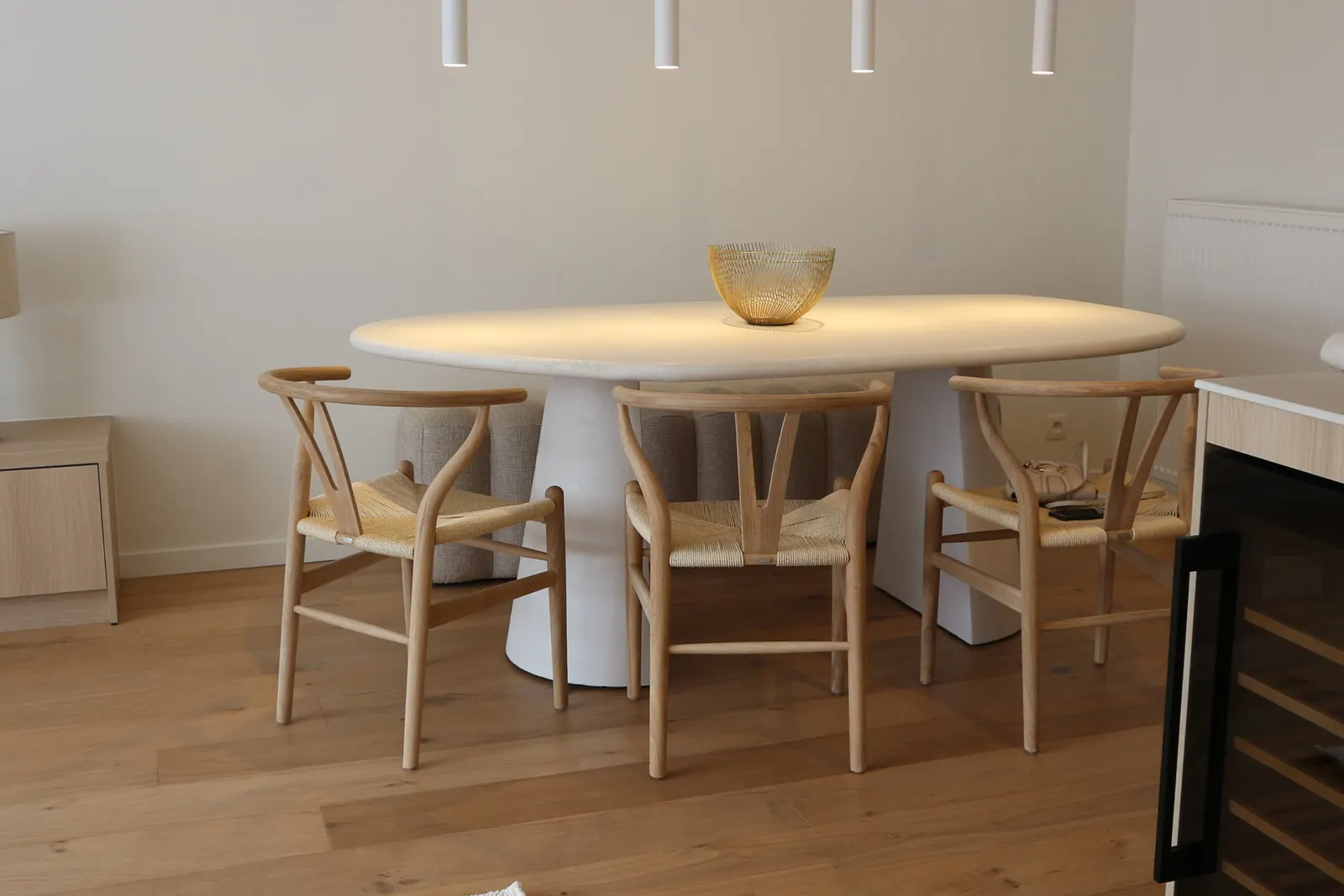

Bogard makes custom dining and coffee tables by hand in Bergeijk.
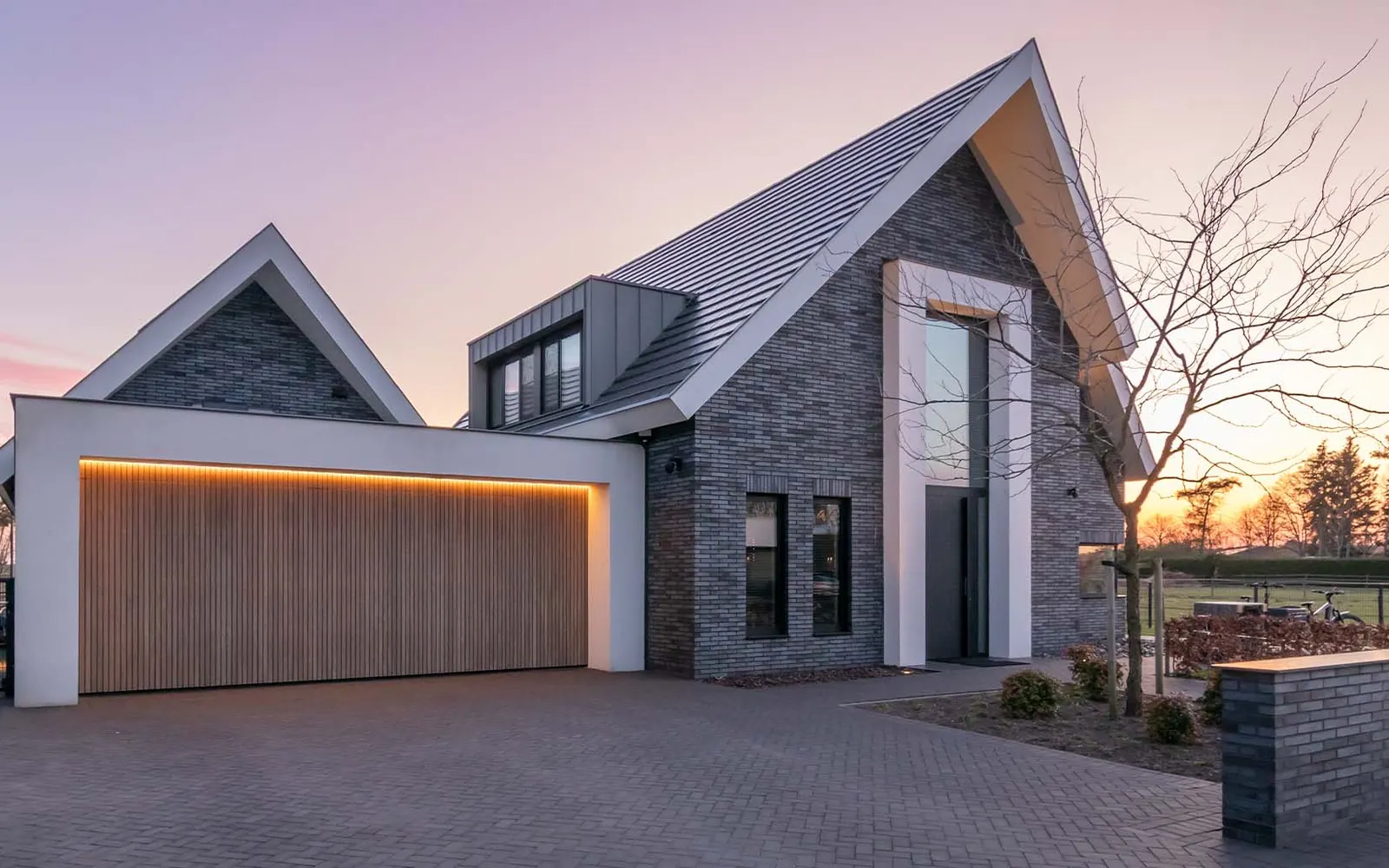
Different Doors builds custom garage and pivot entrance doors in Budel.
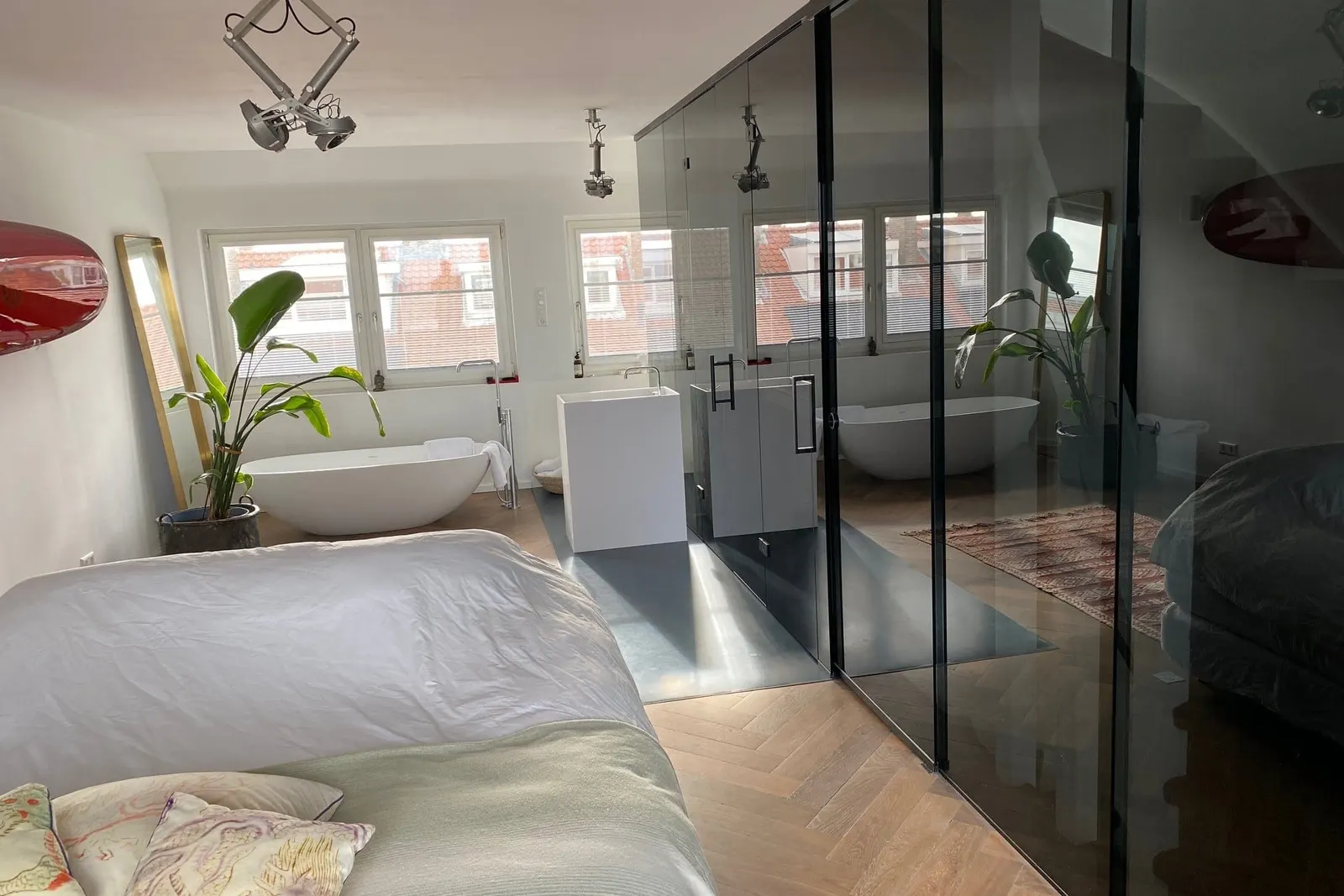

Glass Inside makes pivot, hinged and sliding glass doors to measure in its own factory.
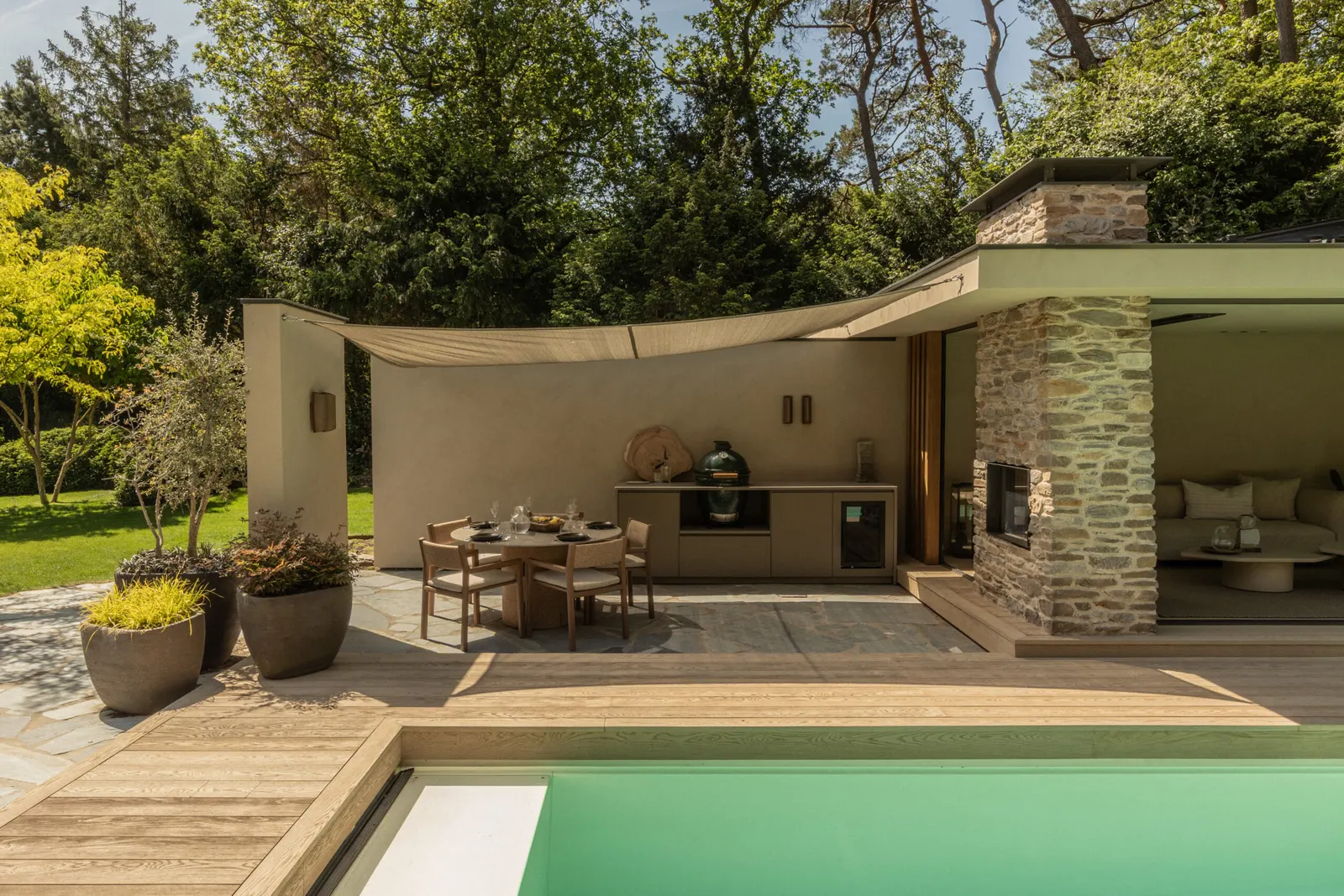

An outdoor kitchen has hundreds of possible combinations.
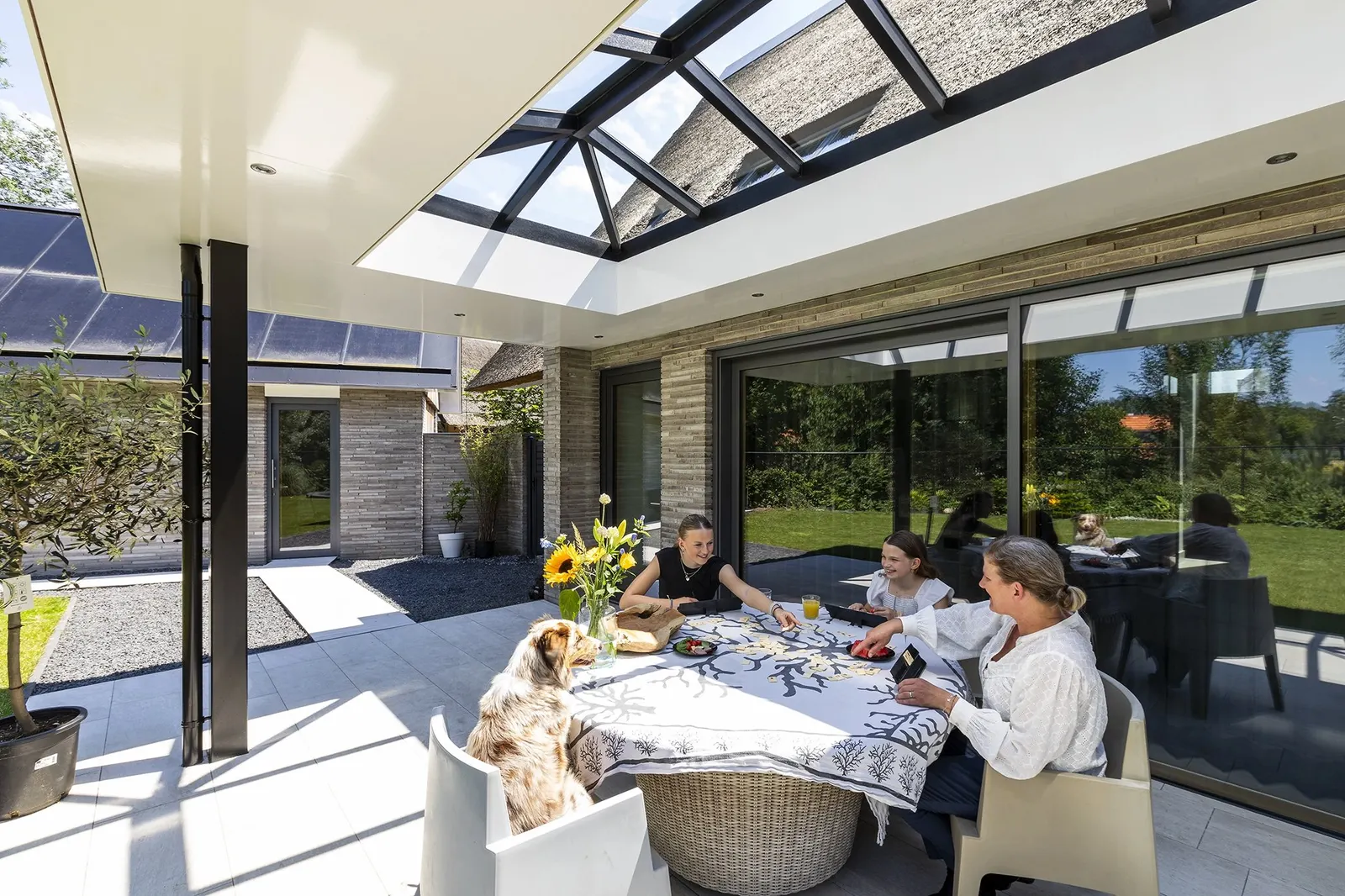

Skylar makes made-to-measure wood and aluminium skylights in Helmond.


Barbas has built fireplaces in its own factory in Bladel since 1976, sold through dealers.
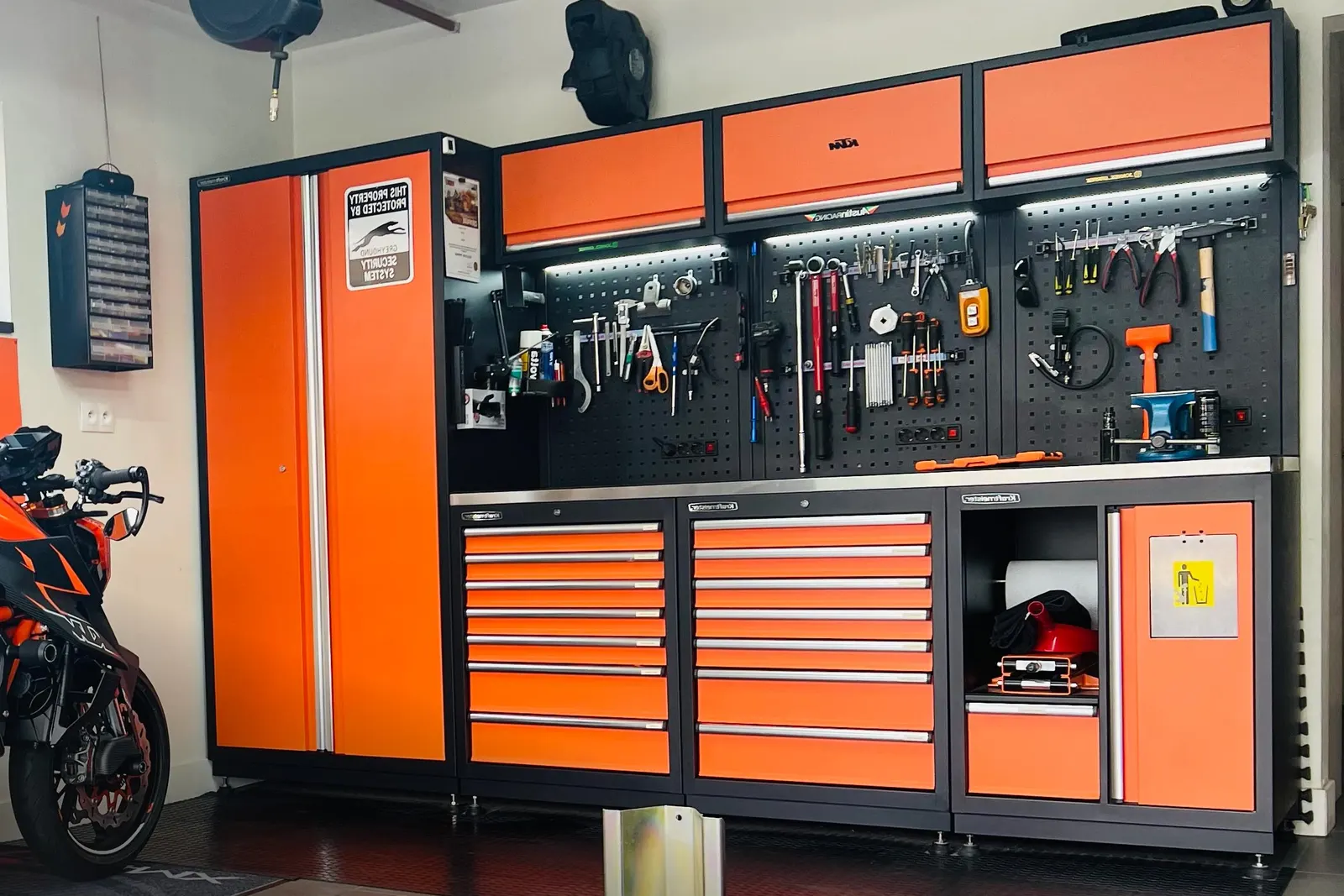

George at Work sells Kraftmeister workbenches and complete workshops from Someren and webshops across Europe.
"Connect in days": a setup checklist per system, Shopify, WooCommerce and ERP. A visitor can tick the steps off, which makes the setup feel short and concrete.
Each step is from the Shopify, WooCommerce and ERP & PIM pages. "In days" is not on any of our pages, so the timing needs Leon or Youp before the heading can stay.
Connect
Keep the webshop and ERP you run on. oneCORE adds the configurator and connects through its public API, its MCP server, Power Automate or Cloudflare Workers.
A trust strip: six short facts in one band, near the call to action, for the IT and finance people who join the second call.
Only what the Scale and Platform pages say. Two of the asked-for items aren't there: "EU-built" (Colengo is Dutch, but the developers work from Chiang Mai) and GDPR (only the 2020 privacy policy says Colengo follows it; where data is hosted isn't published).
Built to last
Uptime as on the Scale page (status.colengo.com, 27 Oct 2026). 30+ active clients and 15+ years building oneCORE could join the strip as a seventh fact.
An FAQ accordion with the questions sales hears most, so visitors get answers before the demo. The current draft's FAQ asks about oneCORE in general; this set is about money, setup and the webshop.
Answers word for word from the Pricing and Platform pages, where they're already approved. FAQPage structured data can go with it, as on the current draft.
Questions
Packages start at € 595 a month with Product configurator only. You start with one module and add more as you grow. Book a demo and we'll tell you what your setup would cost.
Happy with your webshop and ready to grow on it? Then Product configurator only. Want your shop, configurator and orders in one system? Then Fully e-commerce. In the demo we help you choose.
Yes. The configurator can run in the webshop you already have: Bogard keeps WooCommerce and George at Work keeps Magento. Or we build your whole webshop on oneCORE, as we did for Table du Sud and PUUUR.
Most of the time, yes. Our 3D artists import models from Maya, 3ds Max or Blender and prepare them for the web. Reusing them saves time and cost.
The licence is the monthly base. Add-ons, our team's work and AI agents come on top, and your proposal shows each of them before we start.
While we set you up, you pay for a sandbox license, which costs less than the full license. The full license starts when you go live, and so does usage.
Our own team: developers, 3D artists, designers and project managers. The people who build your platform are the people you talk to after the launch.
Yes. Both run on oneCORE, so your products, options and prices come with you.